Warbox - War Thunder Skins Tool
A downloadable tool for Windows
WarBox is a small desktop tool that makes installing and managing War Thunder skins easier.
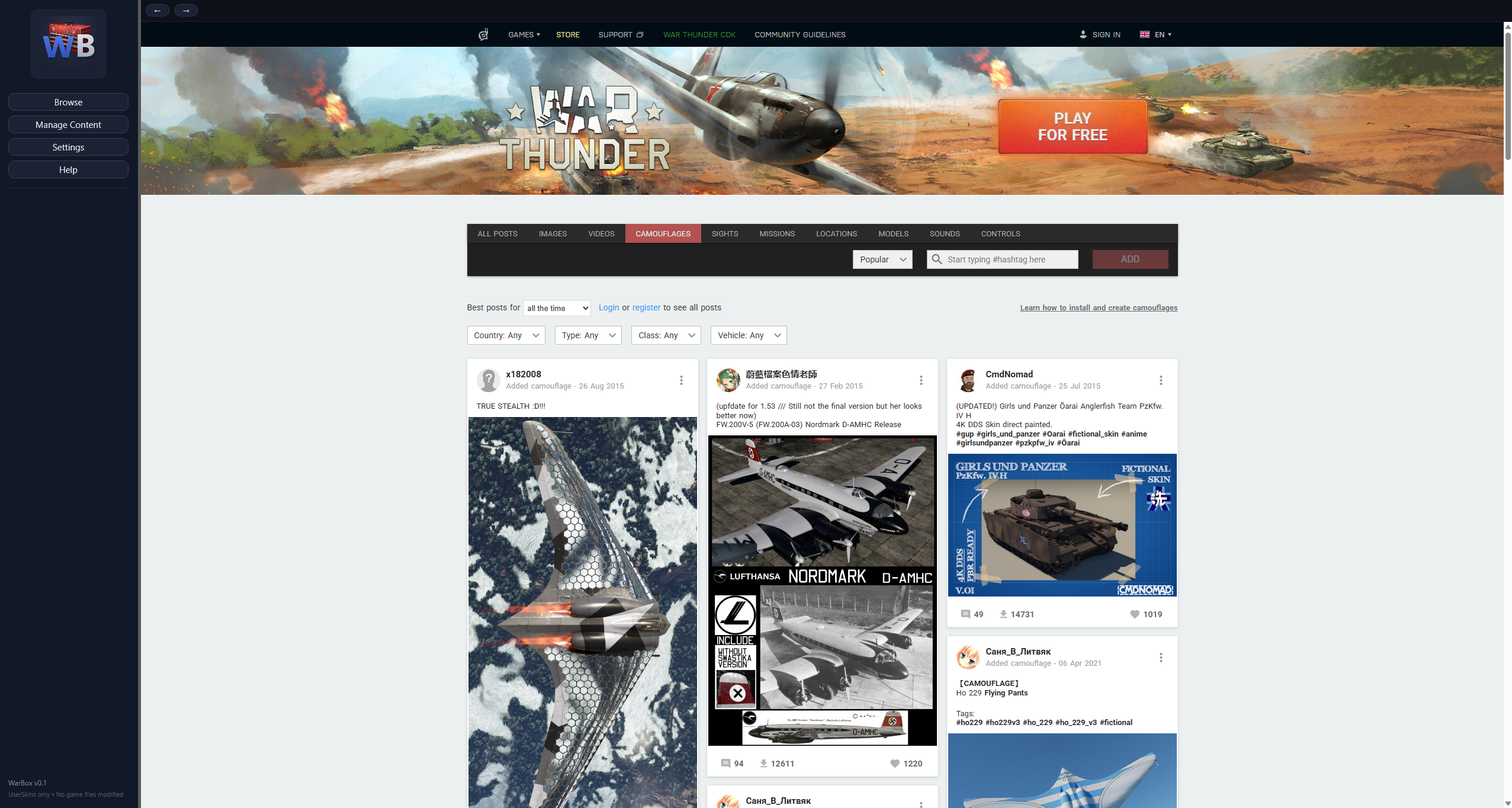
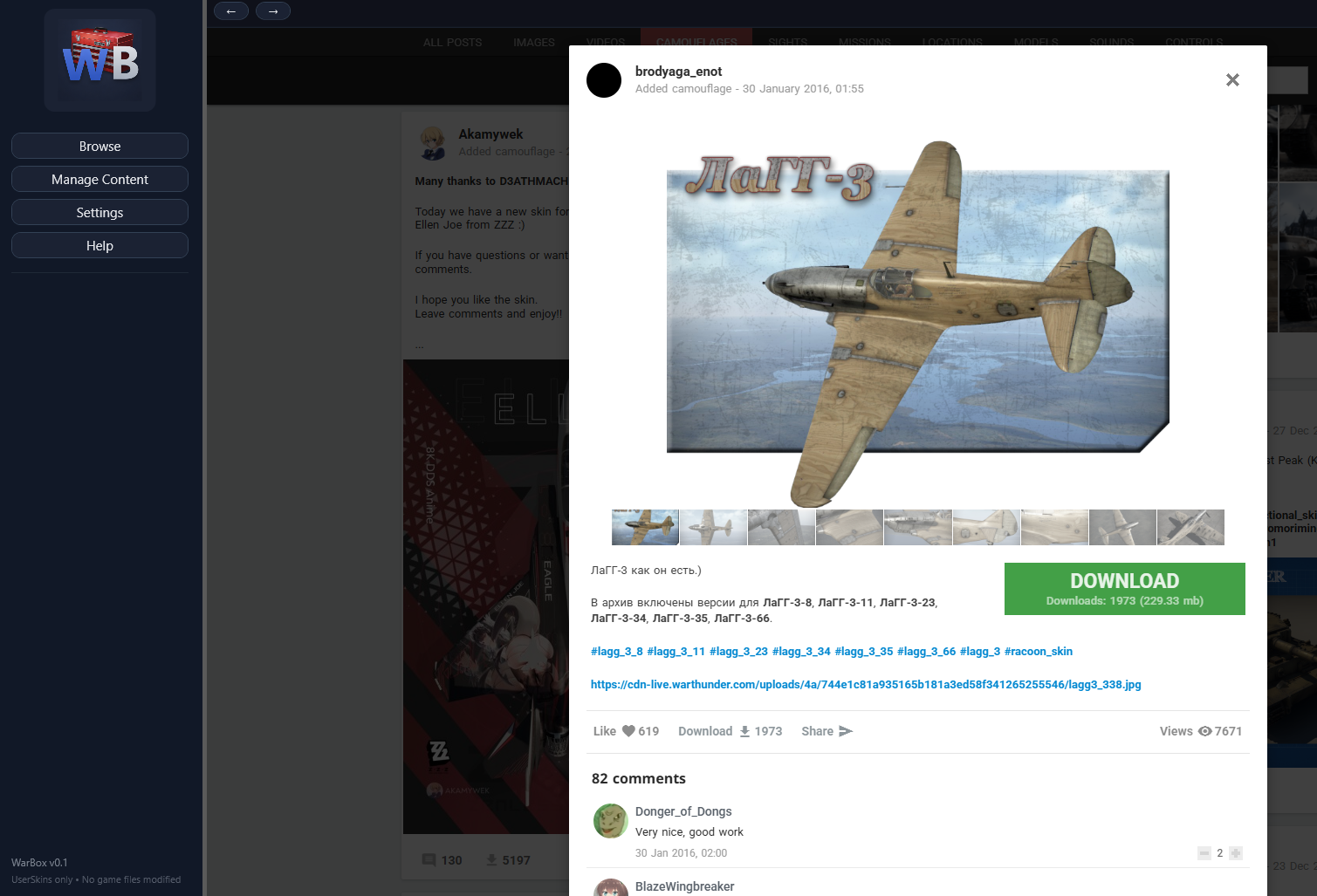
Instead of downloading ZIP files, digging through folders, and manually moving things around, WarBox lets you browse skins directly from the War Thunder Live site and installs them into the correct UserSkins folder automatically.
It doesn’t modify game files, inject anything, or do anything sketchy. It simply automates a process War Thunder already supports.
What it does
-
Browse War Thunder skins inside the app
-
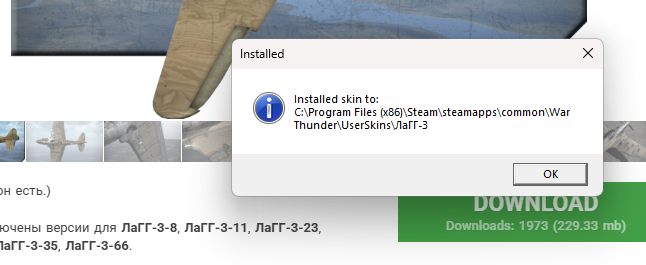
One-click download and automatic installation
-
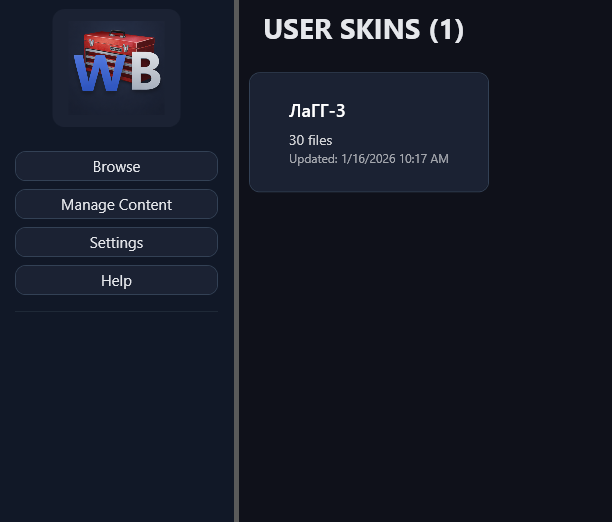
Manage your installed UserSkins in a clean grid view
-
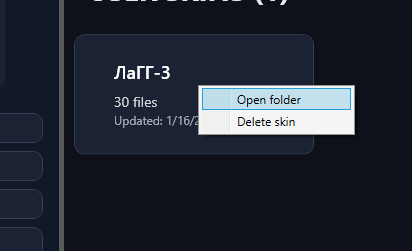
Open or delete skins directly from WarBox
-
Export your UserSkins for easy backup or transfer between PCs
-
Automatically handles folder structure and naming
What it doesn’t do
-
No game file modification
-
No ads, tracking, or background services
Notes
-
ZIP archives only (RAR / 7z may come later)
-
War Thunder must be installed locally
WarBox exists because this process was repetitive and annoying, and there wasn’t a simple GUI tool that just did the job.
If it saves you a few minutes or a headache, it’s doing what it was made for.
Purchase
In order to download this tool you must purchase it at or above the minimum price of $3 USD. You will get access to the following files: